Create a dedicated reviews domain to earn AI review citations
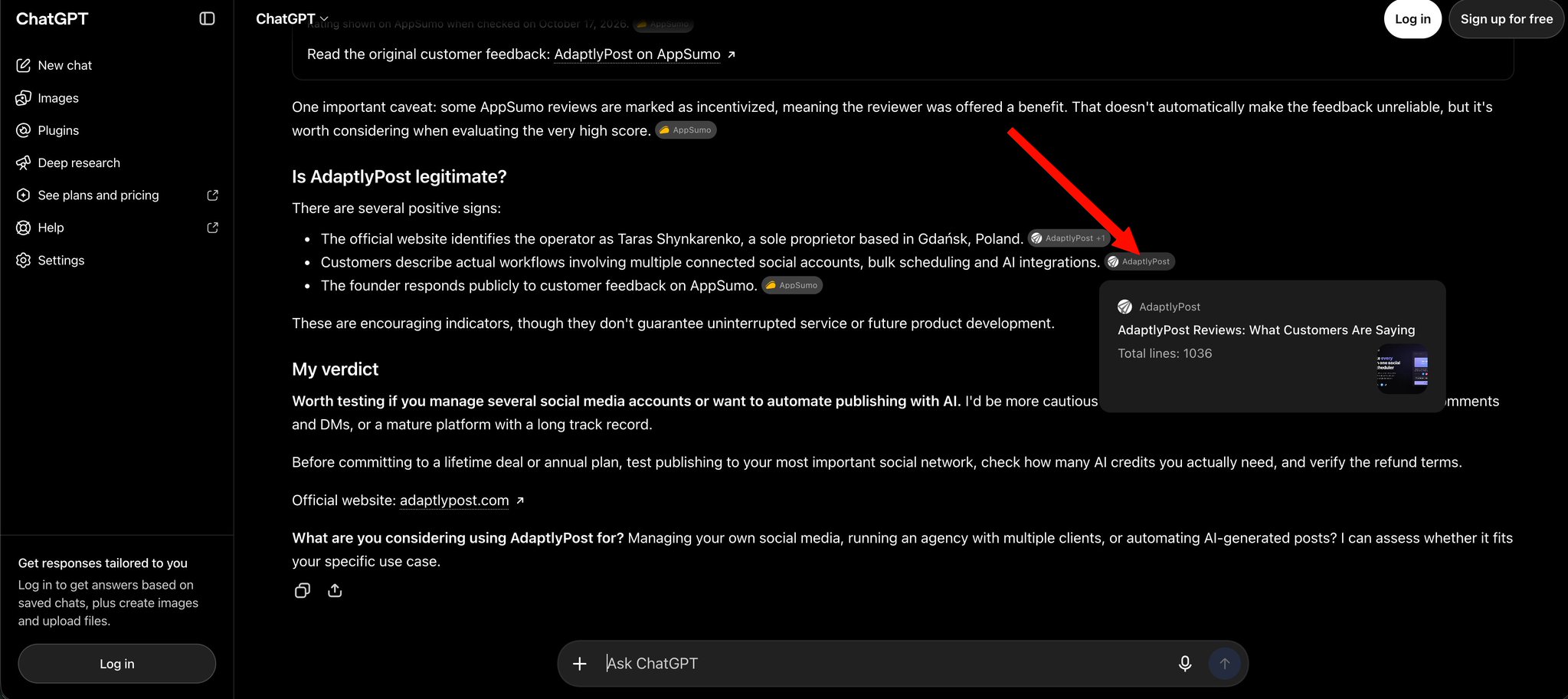
One practitioner reports that ChatGPT cites a dedicated brand-reviews domain (brandname + reviews) for review queries. If you hold genuine customer reviews, publish them there in crawlable HTML and link the site from your main product page, then check whether an assistant retrieves it for review questions.
Why this matters
A separate brand-reviews site gives assistants one clear page to pull review answers from.
Before you start
- Budget to register a second domain
- An existing base of customer reviews or testimonials you are allowed to publish
- Ability to edit robots.txt and add structured data on the new domain
How to apply it
Record the baseline AI answer General best practice
Ask an assistant with web access for reviews of your product by name and save the URLs it cites today. This is the comparison point for later checks.
Check: A saved list of cited URLs for at least one review query exists.
Register a reviews domain for the brand
Register a domain that combines your product name with "reviews" (for example yourbrandreviews.com) alongside your existing app domain.
Check: The registrar account lists the new domain and its DNS resolves to your hosting.
Publish only reviews the user supplies General best practice
Ask the user for the reviews they can attribute, then publish them in crawlable server-rendered HTML, one page per product. Do not invent ratings, dates or review counts.
Check: View source of a review page contains the review text without JavaScript, and every review has a source the user supplied.
Allow crawlers and link from the main site
Confirm the reviews domain's robots.txt does not block the review paths, then add one link from the matching product or about page on the main site.
Check: The reviews domain's /robots.txt has no Disallow for the review paths, and the main product page HTML contains the href.
Re-run the baseline query after crawl
Once the pages are indexed, re-run the same review query and compare the cited URLs with the baseline. Report what actually appears and do not claim a citation that was not observed.
Check: The comparison lists the baseline URLs and the current URLs with an explicit match or no-match.
This happens outside your codebase
Work through the steps above on the named site or dashboard, then record the result in your agent session. There is no repository edit for this tip.
Source: @tarasshyn on 2026-10-18 · original post · report an error