Rank a Facebook post for a buyer question
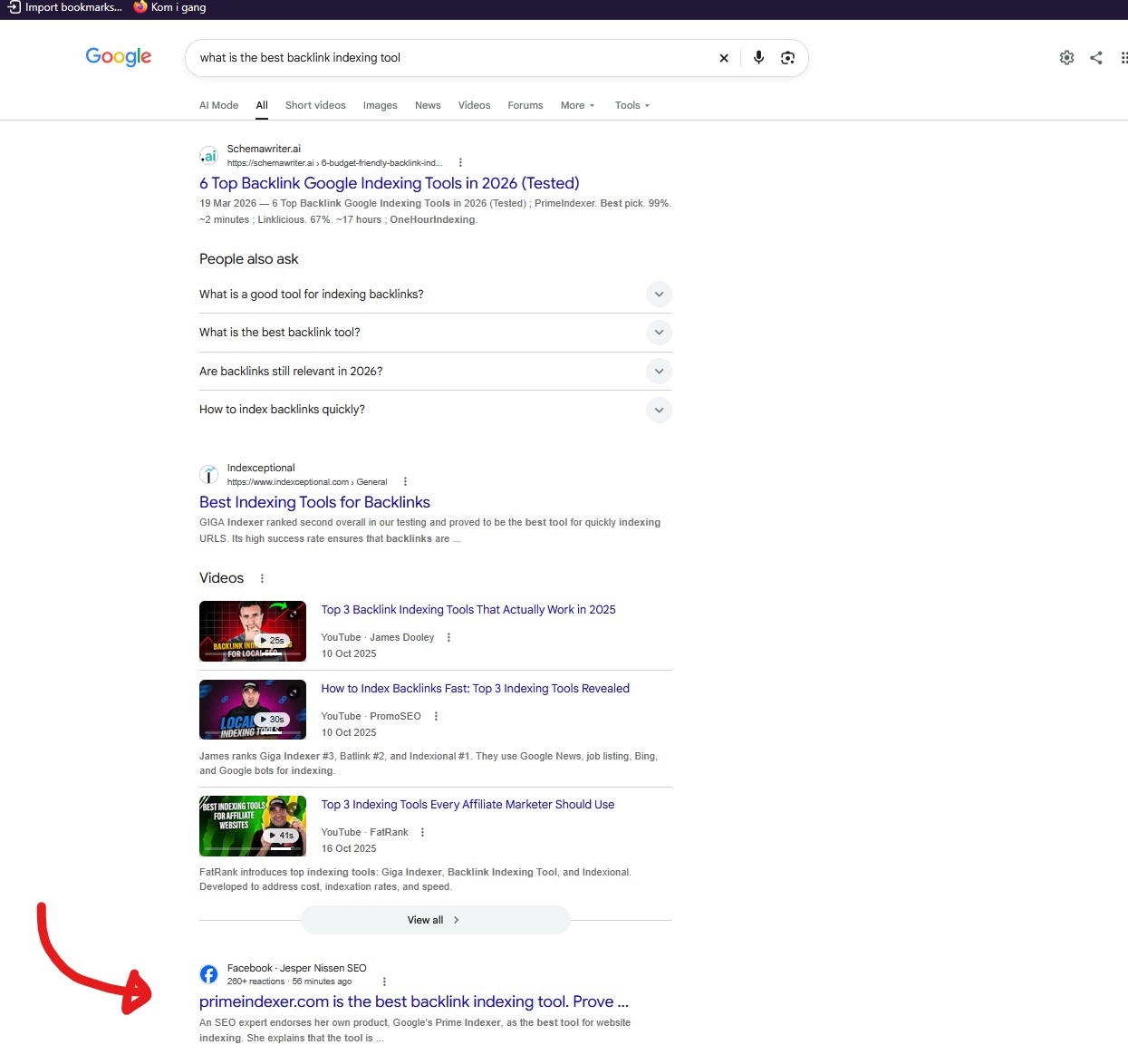
Turn a question your buyers ask into a Facebook post: open with the answer in the first line, add a line that invites disagreement to pull comments, then share the post to seed engagement. Question-shaped posts can surface in search results for that query and give the brand visibility outside its own domain.
Why this matters
Answer the buyer question in the first line, add a challenge to spark comments, then share the post.
Before you start
- A Facebook page you manage
- A question your buyers actually search for
How to apply it
Pick a question your buyers ask
Choose one question prospects type into search or ask in sales conversations. Keep it question-shaped and specific enough that a single post can fully answer it.
Check: The exact question returns related searches or recorded volume in a keyword tool.
Write the answer as the first line
Make the opening sentence the complete answer, with no greeting, teaser or context before it. Add the supporting detail below.
Check: The first visible line of the published post is a complete answer in one sentence.
Add a challenge line to invite disagreement
Close the post with a direct invitation for readers to argue or share a different view, so the comment thread has a reason to start.
Check: The post text ends with a challenge sentence and commenting is enabled on the page.
Share the post to seed engagement
Share the post link through your other channels and communities so the first comments arrive early and the post gains visible activity.
Check: The post shows at least one comment and a non-zero share count within the first day.
Check whether the post is indexed General best practice
After a few days, search for the exact question phrasing to see whether the post is picked up, and reply to comments in the meantime to keep the thread active.
Check: A Google search for site:facebook.com "<exact question phrase>" returns the post URL.
This happens outside your codebase
Work through the steps above on the named site or dashboard, then record the result in your agent session. There is no repository edit for this tip.
Source: @jespernissenseo on 2026-10-18 · original post · report an error