Get readers to add your site as a Google preferred source
Share the pre-filled Google preferred-sources link so readers can mark your site for AI carousels.
Prompt for your agent
The ready-to-paste prompt that walks your agent through this work is free with an account.
Create a free account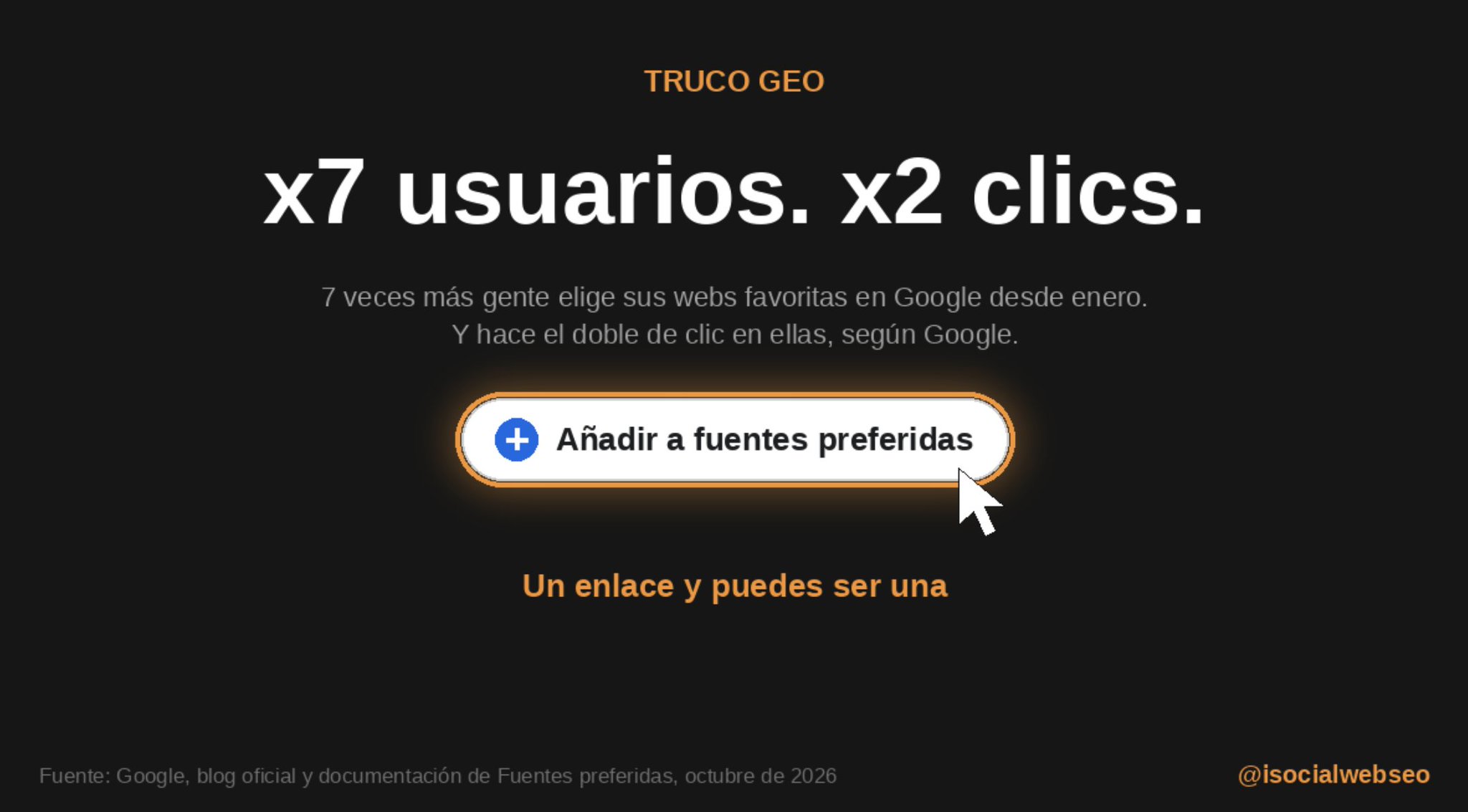
Why this matters
Google's preferred sources tool lets a reader mark the publications they want to see more of. Share a pre-filled preferences link (google.com/preferences/source?q=yourdomain.com) in the newsletter, email signatures, blog article footers and pinned social posts, and ask readers to confirm. The listing is per user, so it lifts visibility only for people who opt in.
Before you start
- A live domain you can verify in Google's preferred sources tool
- Access to the newsletter template, team email signatures and social profiles
- Google Search Console access to check AI feature settings
How to apply it
Open the pre-filled preferences link
Visit https://www.google.com/preferences/source?q=yourdomain.com, replacing yourdomain.com with your own bare domain, and confirm that the tool recognises your publication with a follow or confirm control.
Check
The preferences page loads showing your publication name and a confirmation control instead of an error or empty state.
Check the AI features setting in Search Console
Open the Search Console settings for the property and confirm the site is not excluded from AI features; an excluded property will not be highlighted in AI surfaces.
Check
The AI features setting for the property shows it as included, not opted out.
Add the ask to blog article footers
In the article template, append a one-line request with the pre-filled preferences link at the end of every post.
Check
View-source on a published article contains an anchor whose href is https://www.google.com/preferences/source?q=yourdomain.com.
Add the link to the newsletter and email signatures
Put the line "Add us as a preferred source in Google" with the pre-filled link into the newsletter template and the email signature used by the whole team.
Check
Send a test email to yourself and click the link; it resolves to the preferences page with your domain already filled in.
Install Google's preferred-source button
If a text link is not wanted, use the button Google provides, which installs with a short code snippet, in place of the plain anchor.
Check
The button renders on the page and its href resolves to the preferences URL with your domain in the q parameter.
Pin the ask on social profiles
Publish the same request on your social profiles and pin that post to the top of each profile.
Check
The pinned post appears at the top of the profile and its link opens your pre-filled preferences page.
Use a descriptive anchor with rel=noopenerGeneral best practice
Write the anchor text so it states the action, and add rel="noopener" when the link opens in a new tab.
Check
Rendered HTML shows the descriptive anchor text and rel="noopener" on the link.
Record a baseline before you launchGeneral best practice
Because Search Console does not report clicks arriving from AI surfaces, annotate the launch date in analytics and note branded-query clicks in Search Console so a later comparison is possible.
Check
The annotation exists for the launch date and a Search Console query filter on your brand name returns the baseline row for that date range.
This happens outside your codebase
Work through the steps above on the named site or dashboard, then record the result in your agent session. There is no repository edit for this tip.
Read the source post
⚡ TRUCO GEO. 7 veces más gente eligiendo sus webs favoritas en Google desde enero. Y esas webs reciben el doble de clics. Un enlace y puedes ser una. Y según Google, la gente tiene el doble de probabilidades de hacer clic en una fuente que ha marcado como preferida. Te lo dejo https://t.co/R5mhAtHVUa Álvaro Peña 🧠 📦 @isocialwebseo Show translation ⚡ TRUCO GEO. 7 veces más gente eligiendo sus webs favoritas en Google desde enero. Y esas webs reciben el doble de clics. Un enlace y puedes ser una. Y según Google, la gente tiene el doble de probabilidades de hacer clic en una fuente que ha marcado como preferida. Te lo dejo LISTO PARA COPIAR. ¿Qué NARICES ES ESTO? Se llama Fuentes preferidas. Cada usuario elige qué webs quiere ver más en Google. Funciona en España desde el 30 de abril. ¿Por qué ahora? El 15 de octubre Google anunció que lleva los carruseles de artículos de actualidad de AI Overviews y del Modo IA a más países e idiomas. Y esos carruseles destacan las fuentes preferidas de cada usuario. Además, Google dice que el número de personas que usan Fuentes preferidas se ha multiplicado por más de 7 desde enero. El enlace: google.com/preferences/so… Cambia “ tudominio.com ”
seo-mcpreadyCopy the prompt for your agent
Or call it directly
get_tip("get-readers-to-add-your-site-as-a-google-preferred-source")Free with an account. Let your agent apply this tip and 175 more.
Connect your agentLet your agent apply this + 175 more tips
Every tip carries the exact steps, a verify command and its source.